Frequently Asked Question
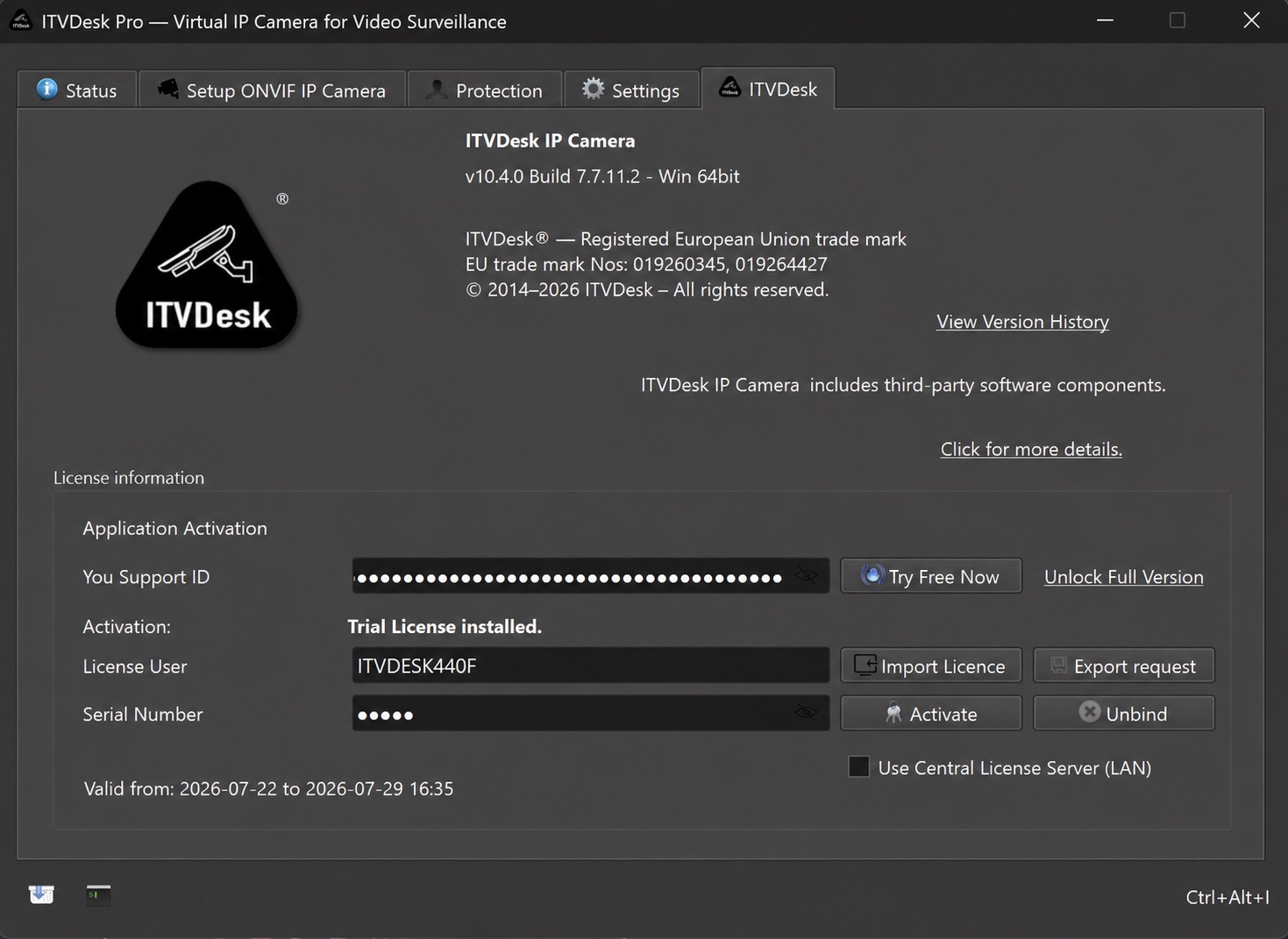
Change the Windows computer name shown as ITVDesk License User
Last Updated 3 months ago
ITVDesk uses the Windows computer name, also called the device name or hostname, as the value shown under License User during license activation.
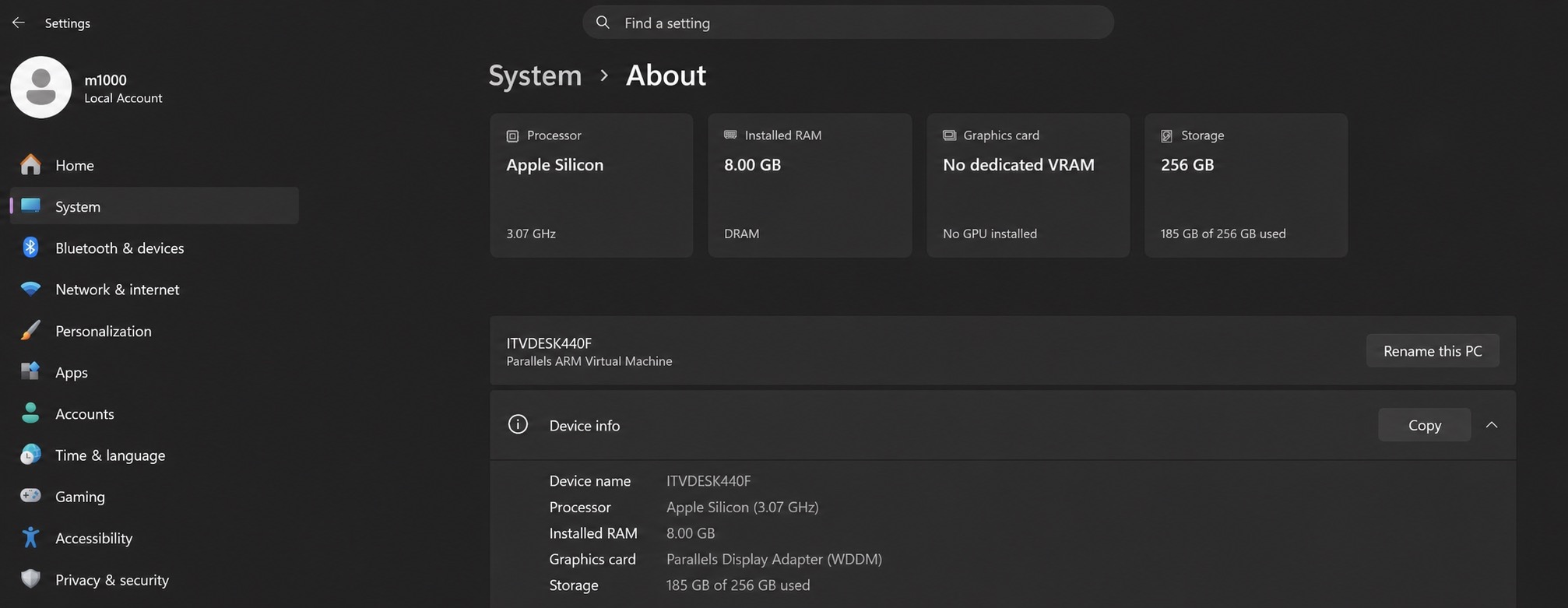
Change the computer name in Windows 11
- Open Start > Settings.
- Select System.
- Open About.
- Check the current name under Device name.
- Click Rename this PC.
- Enter the new unique computer name and confirm the change.
- Restart Windows when prompted.
Windows 10
Open Settings > System > About, select Rename this PC, enter the new name, and restart Windows. The wording can vary slightly between Windows builds.
Important for license activation: when activating the license again on the same computer, keep the same Windows computer name that was used during the original activation. ITVDesk checks this name as part of the license activation information. If the computer was renamed, restore the previous name and restart Windows before activating the license again.
After restarting Windows, open the ITVDesk tab and verify the value shown under License User.