Frequently Asked Question
Use the command testing tool while video/audio stream is running
Last Updated 3 months ago
The command testing tool is used for diagnostics and validation while a video/audio stream is already running. It helps confirm stream state and behavior before involving the VMS/NVR.
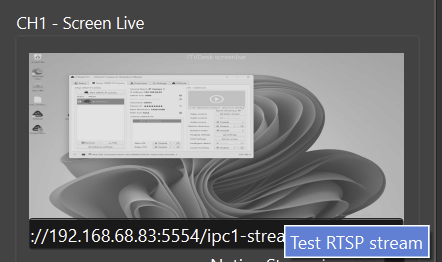
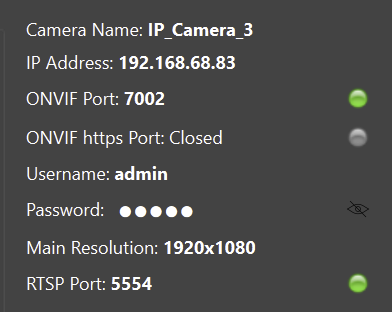
Recommended use
- Start the stream first.
- Use the test button or command test workflow.
- Check service indicators and stream status.
- Compare the result with what the VMS/NVR sees.
Support diagnostics
- Record the exact test result.
- Save logs when reporting a support case.
- Include OS, ITVDesk version, support number and VMS/NVR model.
Safety note
- Use testing tools in a controlled way; they are meant for diagnostics and setup validation, not as the main production control interface.
Related documentation: