Frequently Asked Question
Create a media file source and test with VLC
Last Updated 3 months ago
A media file source is useful for demonstrations, training, repeatable tests and VMS/NVR validation when a live source is not available.
Workflow
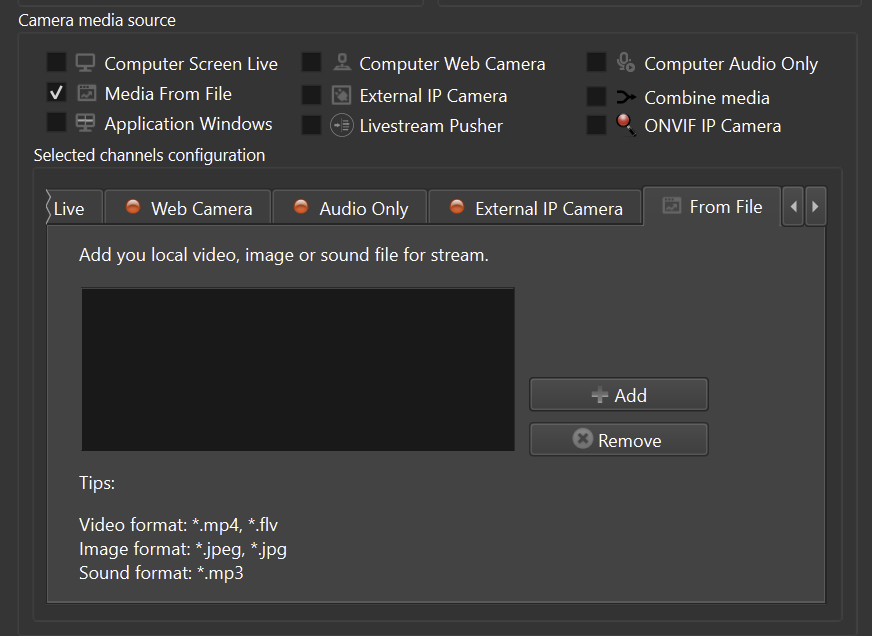
- Create a new media file source in ITVDesk.
- Select the file and configure loop/playback behavior if needed.
- Set codec, resolution and bitrate options appropriate for the recorder.
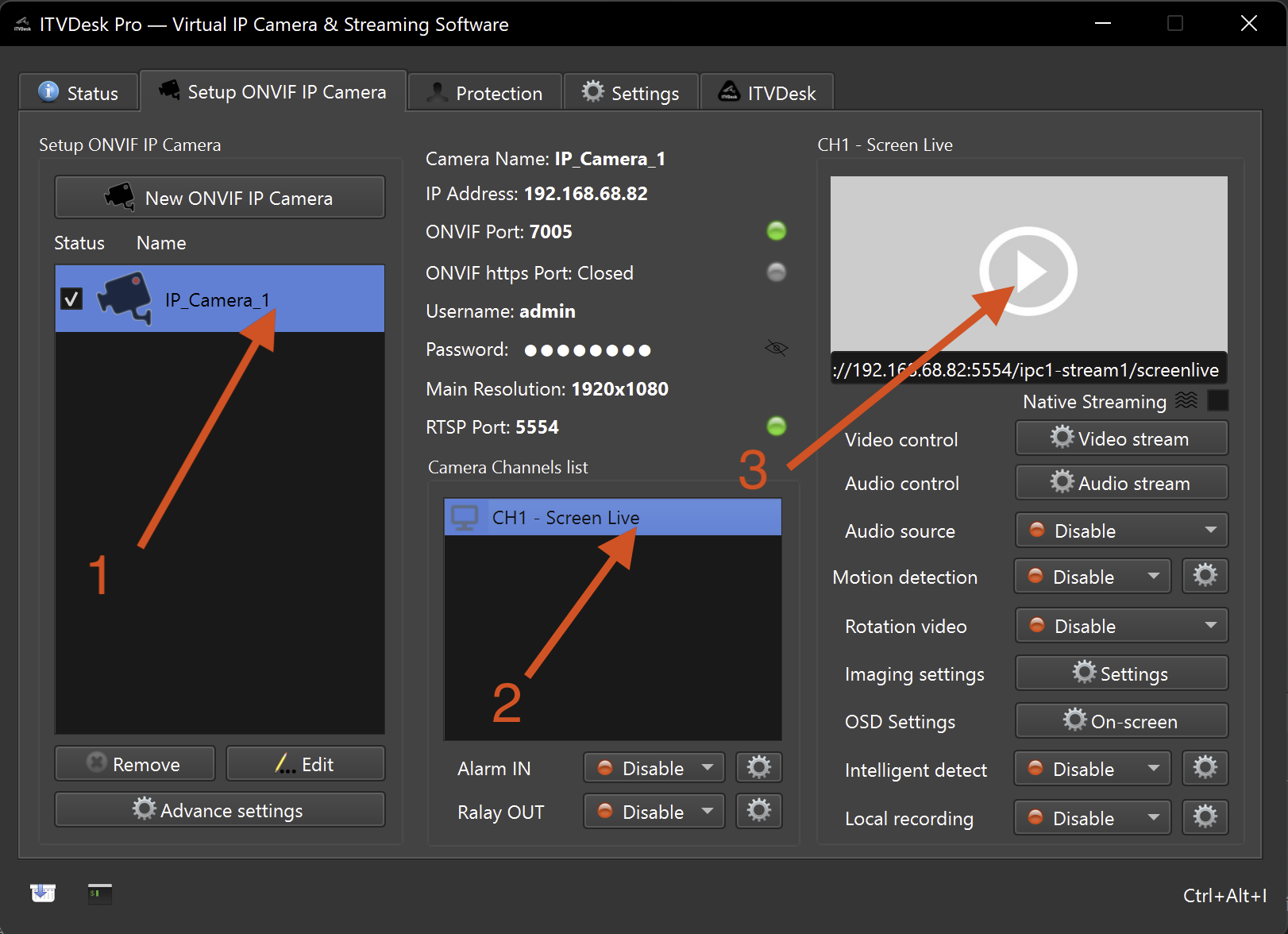
- Test the stream with ITVDesk Preview & Test or VLC.
- Add the ITVDesk virtual camera to the VMS/NVR and verify recording playback.
Use cases
- Trade-show and demo environments.
- Repeatable VMS/NVR compatibility tests.
- Training scenarios where the same video must be replayed.
Important note
- A file that plays in a media player may still need transcoding or profile adjustment before it works in a recorder.
Related documentation: