Frequently Asked Question
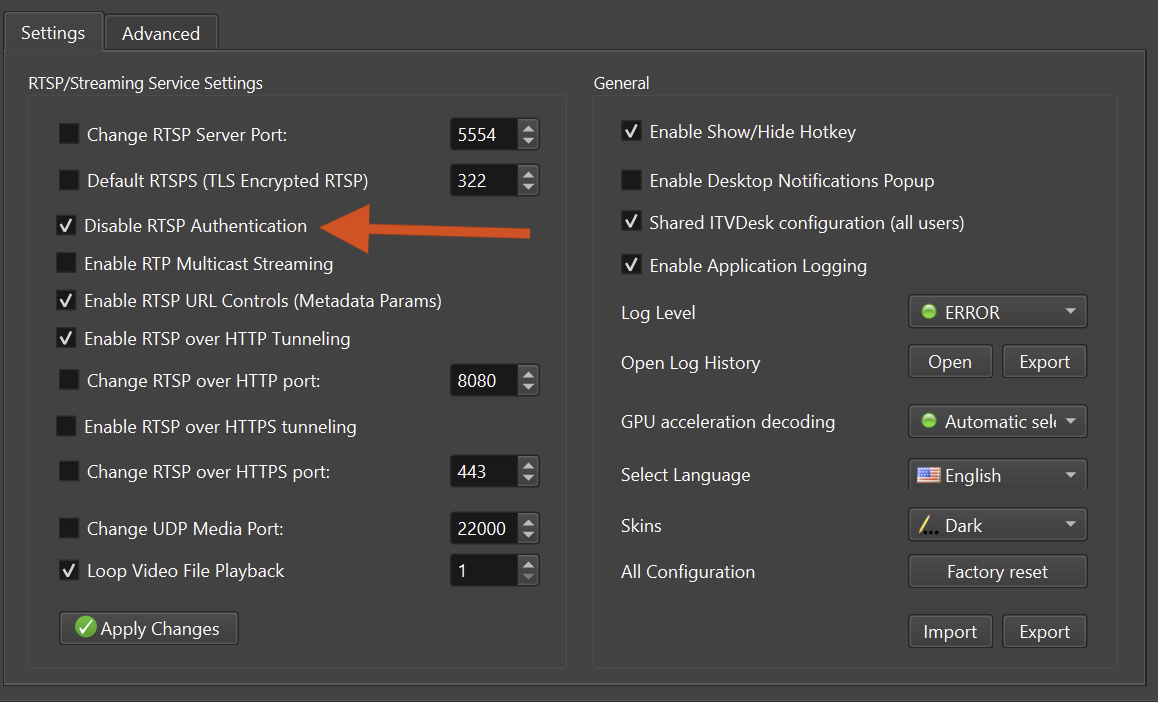
Enable or disable ONVIF and RTSP authentication
Last Updated 3 months ago
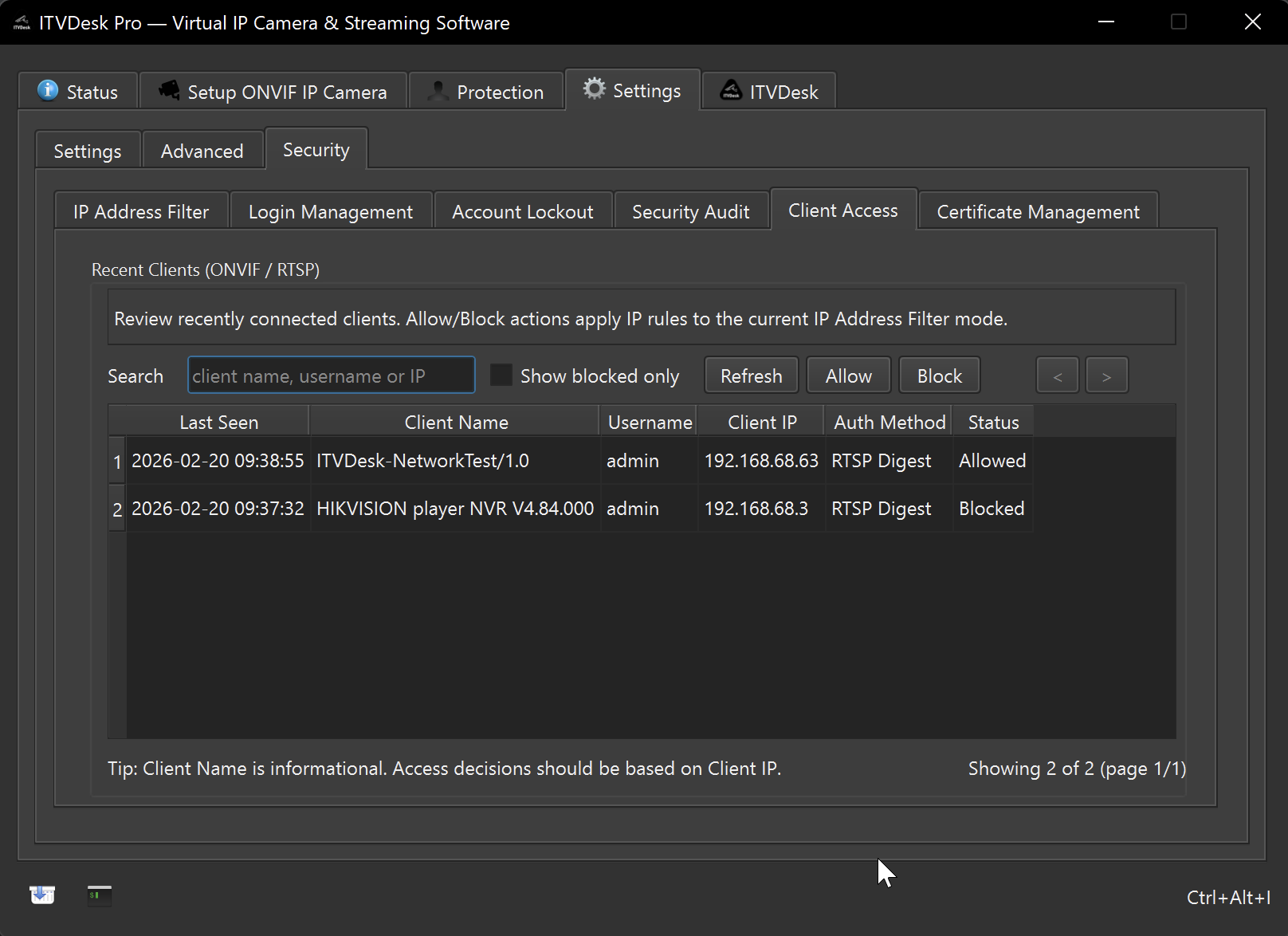
Authentication protects ITVDesk ONVIF services and streams from unauthorized access. In production, authentication should normally be enabled together with network controls and secure transport where available.
Recommended production setup
- Enable ONVIF and RTSP authentication.
- Use strong credentials and store them in the VMS/NVR securely.
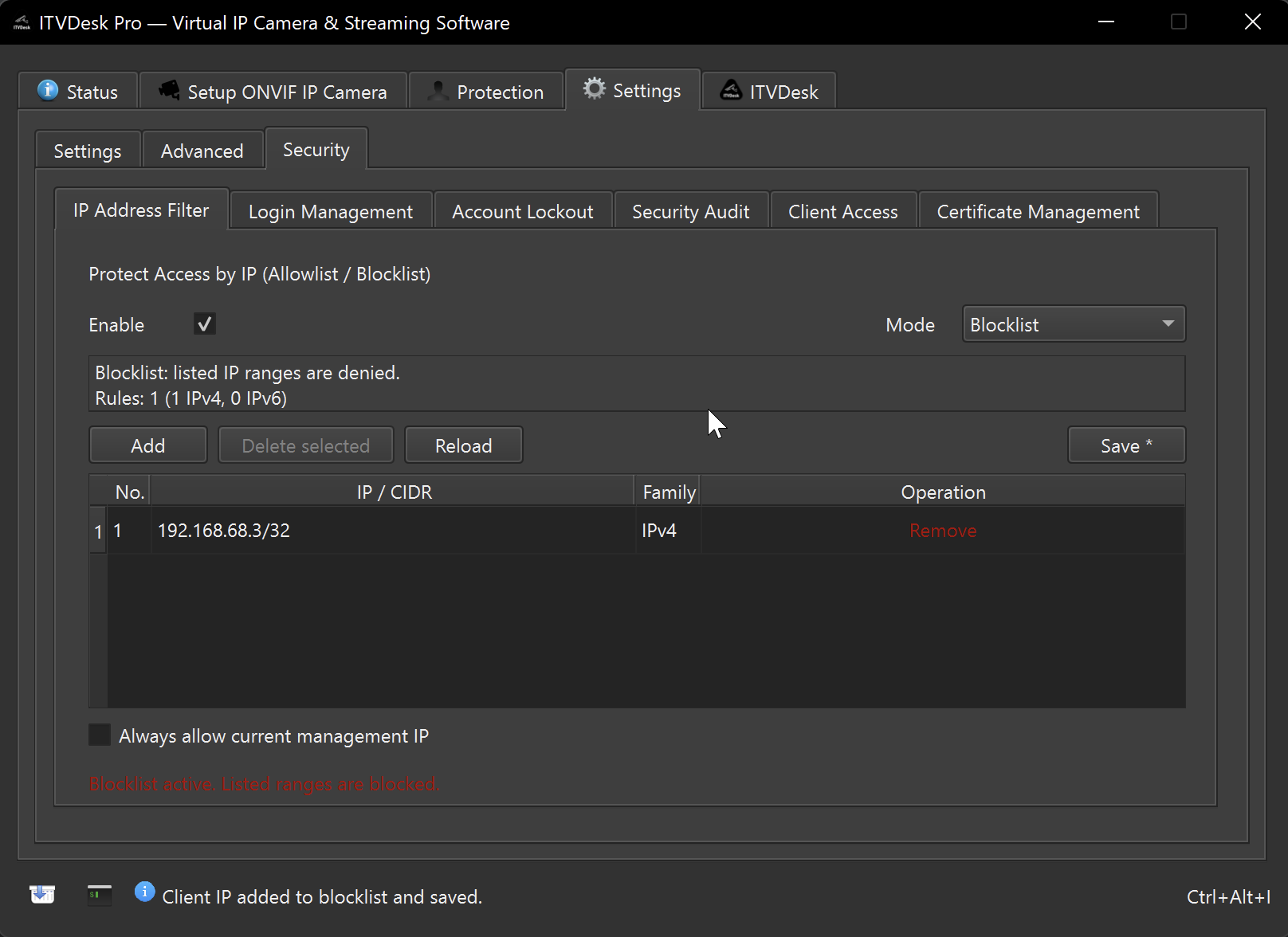
- Restrict client IP addresses where possible.
- Use HTTPS, RTSPS, SRTP or SRT for protected environments when supported.
When disabling authentication may be acceptable
- Temporary controlled testing.
- A locked-down lab network with no untrusted clients.
- Legacy recorder compatibility when no other option is available.
After changing credentials
- Update the credentials in the VMS/NVR.
- Refresh or re-add the ITVDesk camera profile.
- Run Network Camera Test to confirm access.
Related documentation: