Frequently Asked Question
Create an audio-only microphone stream
Last Updated 3 months ago
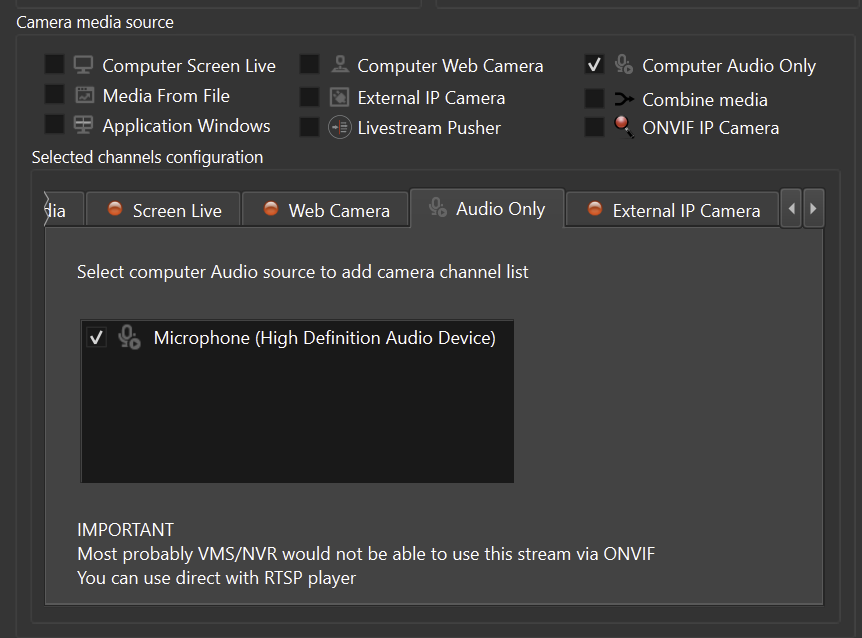
An audio-only stream can be used when a microphone or audio source must be monitored or recorded without a video source.
Setup checklist
- Create a new audio-only source in ITVDesk.
- Select the microphone or audio input device.
- Configure codec, channel and bitrate settings.
- Add or test the stream in the VMS/NVR.
- Verify recorded playback, not only live monitoring.
Use cases
- Training rooms and labs.
- Operator stations.
- Audit recording where video is not required.
- Integration tests for recorder audio support.
Troubleshooting
- If the recorder does not accept audio-only streams, use a low-impact video profile with audio enabled as a compatibility fallback.
Related documentation: