Frequently Asked Question
Manual resolution, 4K, transcoding, transmuxing, and transrating
Last Updated 3 months ago
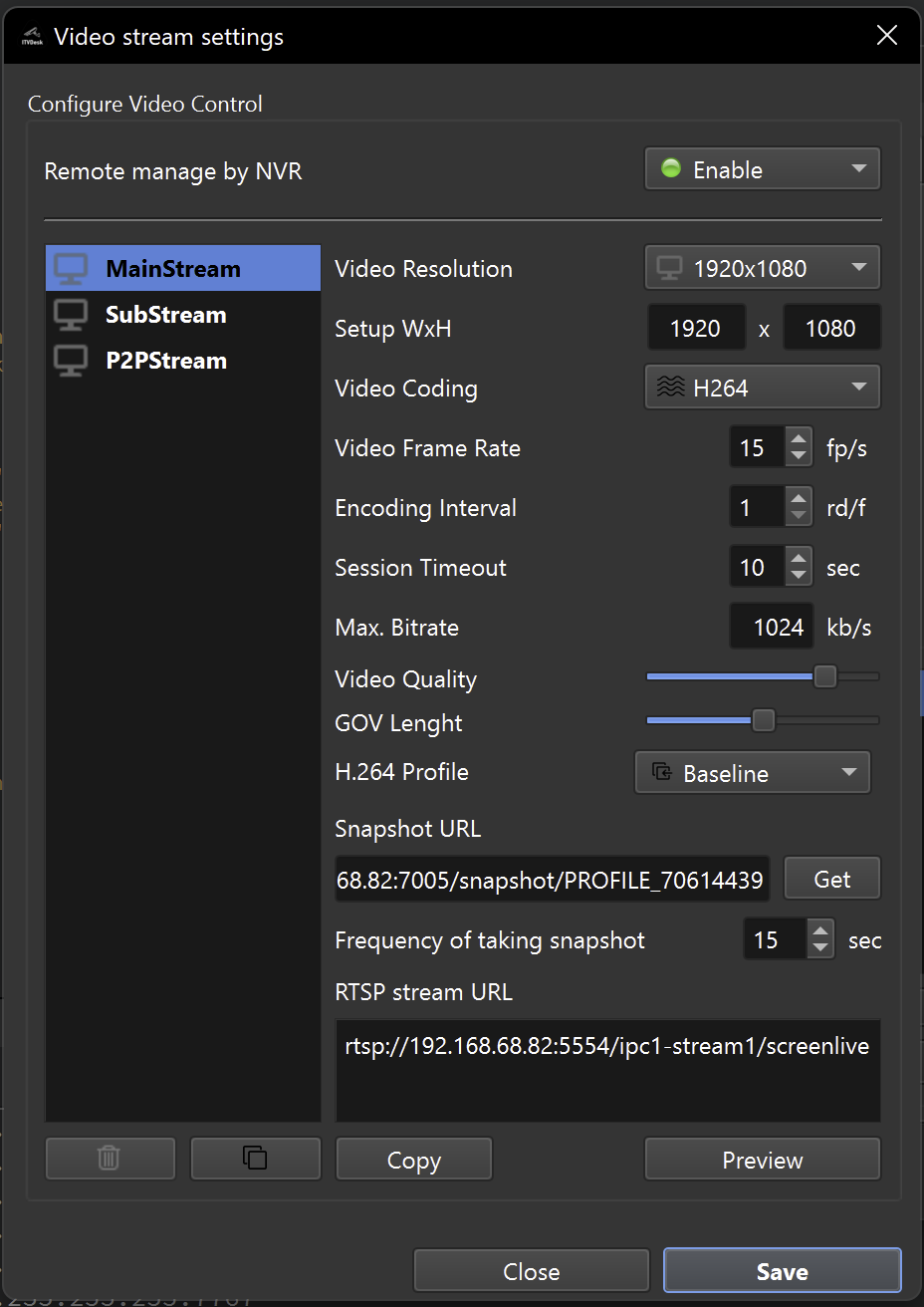
Manual resolution and advanced media processing options help match the source format to what the VMS/NVR can decode, display and record reliably.
Definitions
- Transcoding: decode and re-encode to a different codec or format.
- Transmuxing: change container or transport while preserving encoded media where possible.
- Transrating: adjust bitrate while preserving the desired output format.
- Scaling: change output resolution, including 4K or reduced profiles.
Recommended approach
- Use the simplest processing path that works with the target VMS/NVR.
- Avoid unnecessary transcoding when source and recorder formats already match.
- For 4K, test CPU/GPU usage and recorder storage bandwidth.
- For multi-stream deployments, test all streams running together.
Recorder compatibility
- Some recorders limit maximum resolution, bitrate, frame rate or codec profile.
- If a stream fails, start with lower resolution and H.264, then increase quality step by step.
Related documentation: