Frequently Asked Question
Configure alarm output events and trigger actions
Last Updated 3 months ago
Alarm output / Relay OUT allows the VMS/NVR or a local workflow to trigger a configured action through ITVDesk where supported.
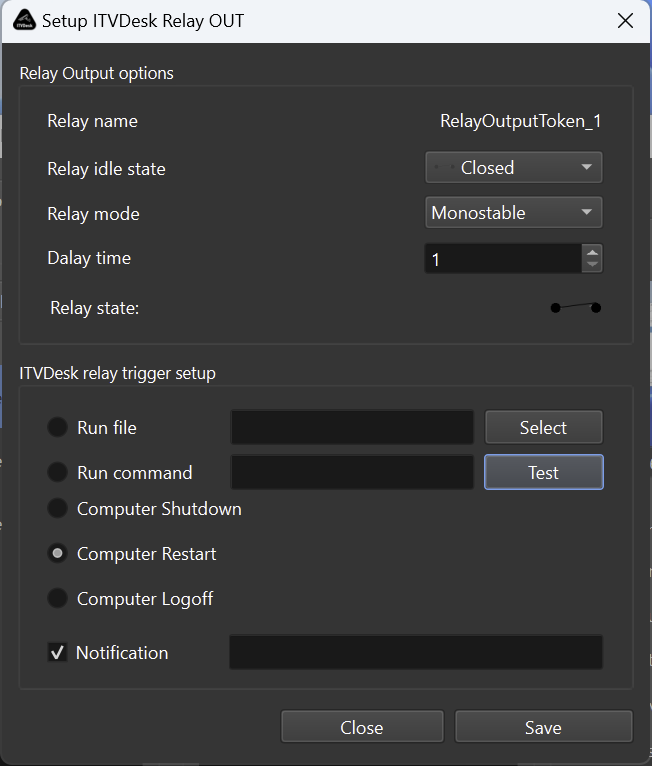
Typical workflow
- Enable Relay OUT or output action support in ITVDesk.
- Configure the action that should be executed.
- Refresh the ITVDesk device in the VMS/NVR.
- Create or test the VMS/NVR rule that sends the output command.
Use cases
- Operator-controlled action from a VMS/NVR interface.
- Testing ONVIF output support with a virtual camera.
- Linking video workflow events with local workstation behavior.
Safety recommendation
- Test output actions in a controlled environment before enabling them on production systems.
Related documentation: