Frequently Asked Question
Enable motion detection events
Last Updated 3 months ago
Motion detection events allow ITVDesk to notify the VMS/NVR when motion or activity is detected in the configured source.
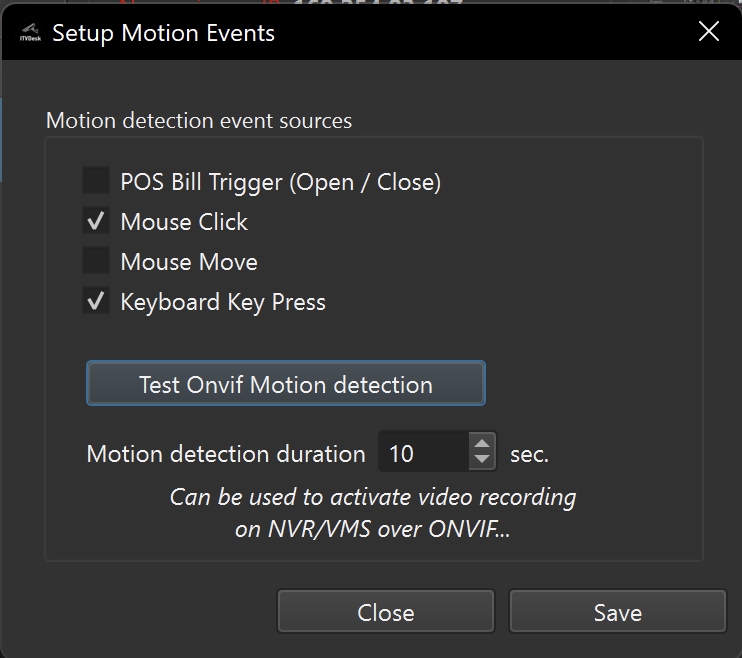
Setup checklist
- Enable motion detection in ITVDesk.
- Configure sensitivity, region or event behavior if available.
- Refresh the ITVDesk device in the VMS/NVR.
- Create a recorder rule for event-based recording or notification.
Testing
- Use ITVDesk local test tools first.
- Then verify the event inside the VMS/NVR event log.
- Confirm that the recorder rule performs the expected action.
Compatibility note
- ONVIF event support differs between VMS/NVR vendors, so always test the exact recorder model or software version.
Related documentation: