Frequently Asked Question
Add an RTSP, SRT, RTSPS, or ONVIF source and expose it as an ONVIF virtual camera
Last Updated 3 months ago
ITVDesk can receive an external RTSP, SRT, RTSPS, or ONVIF source and publish it to the recorder as an ONVIF-compatible virtual IP camera.
This is useful when an existing camera, encoder, industrial stream, thermal camera, drone stream, or legacy video device does not integrate cleanly with the target VMS/NVR.

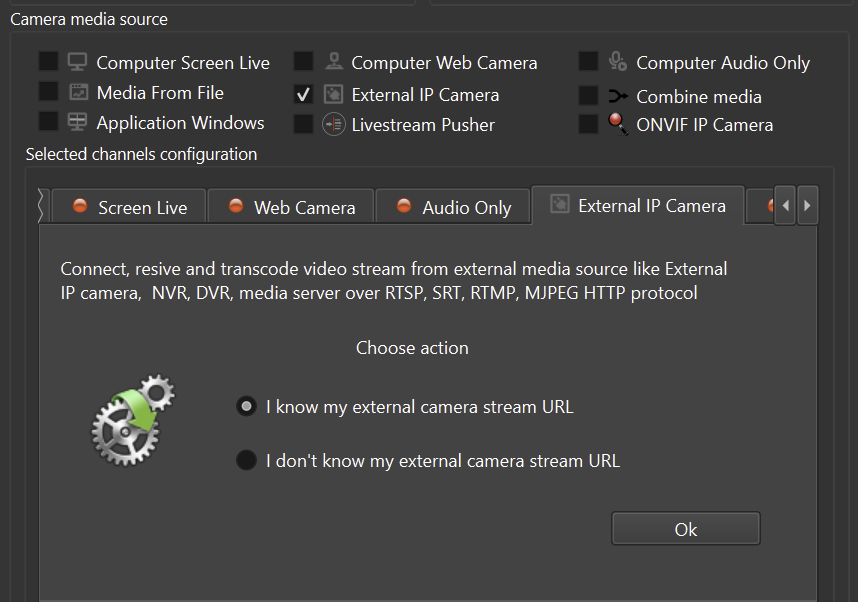
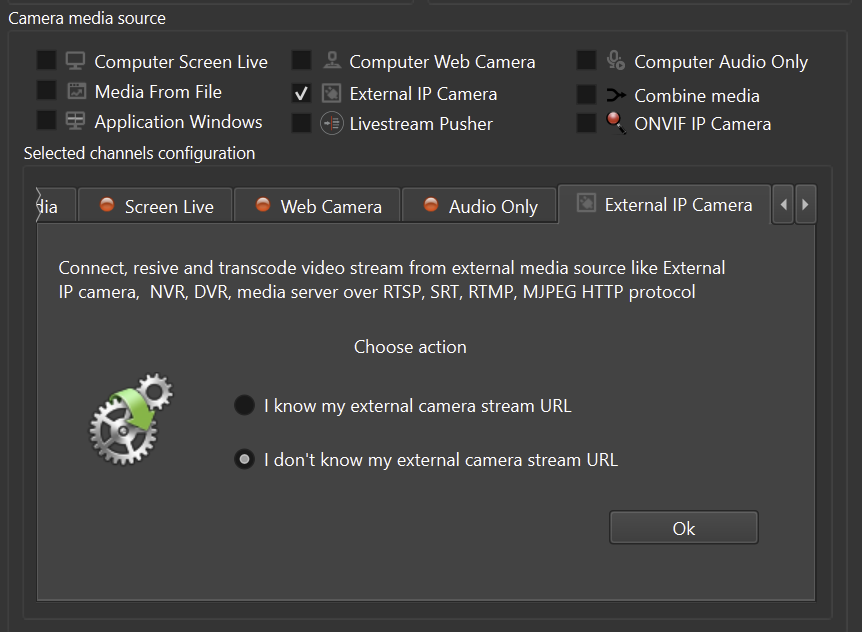
Workflow
- RTSP / SRT / RTSPS / ONVIF source -> ITVDesk -> ONVIF virtual camera -> VMS/NVR.
- Configure the source URL, credentials, transport and profile in ITVDesk.
- Expose the result as a standard ONVIF camera for systems such as Milestone, Genetec, Nx Witness, Avigilon, Qognify, Hikvision, Dahua, Hanwha and similar platforms.
Why use this approach
- Reuse existing devices instead of replacing them.
- Normalize RTSP-only devices for ONVIF-based recorders.
- Extend device lifecycle and reduce integration cost.
- Keep vendor independence when the original device has limited VMS/NVR compatibility.
Before production use
- Test the source inside ITVDesk first.
- Verify codec, resolution, frame rate, latency and authentication.
- Then add the ITVDesk virtual camera to the VMS/NVR and test recording/playback.
For secure deployments, prefer RTSPS, SRT, SRTP or protected network transport where supported by the source and the recorder.
Related documentation: