Frequently Asked Question
Add or select an audio source for ITVDesk streams
Last Updated 3 months ago
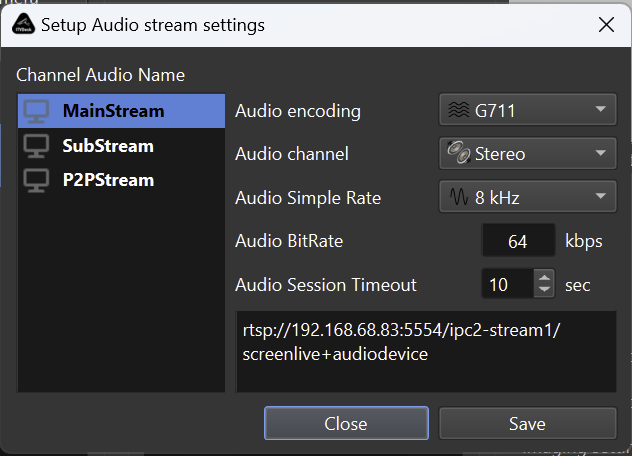
ITVDesk can attach audio to supported video streams so the VMS/NVR can record video and sound together. Audio is useful for operator monitoring, training, audit recording and incident review.
Common audio sources
- Microphone input.
- Webcam or capture-device audio.
- System audio or Stereo Mix where supported by the Windows audio driver.
- Audio-only source when no video stream is required.
Setup checklist
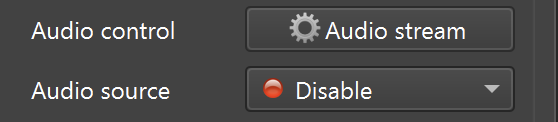
- Select the audio device in ITVDesk.
- Confirm OS permissions and audio driver availability.
- Choose a codec and bitrate compatible with the VMS/NVR.
- Test live view and recorded playback, not only preview.
Troubleshooting
- If video works but audio does not, verify codec support in the VMS/NVR.
- Check whether the audio device is already used exclusively by another application.
- Confirm that the recorder has audio enabled for that camera/channel.
Related documentation: