Frequently Asked Question
Retrieve direct RTSP, RTSPS, or SRT stream URLs
Last Updated 3 months ago
ONVIF discovery is usually the preferred way to add ITVDesk to a VMS/NVR, but direct stream URLs are useful for VLC testing, diagnostics or recorders that require manual stream configuration.
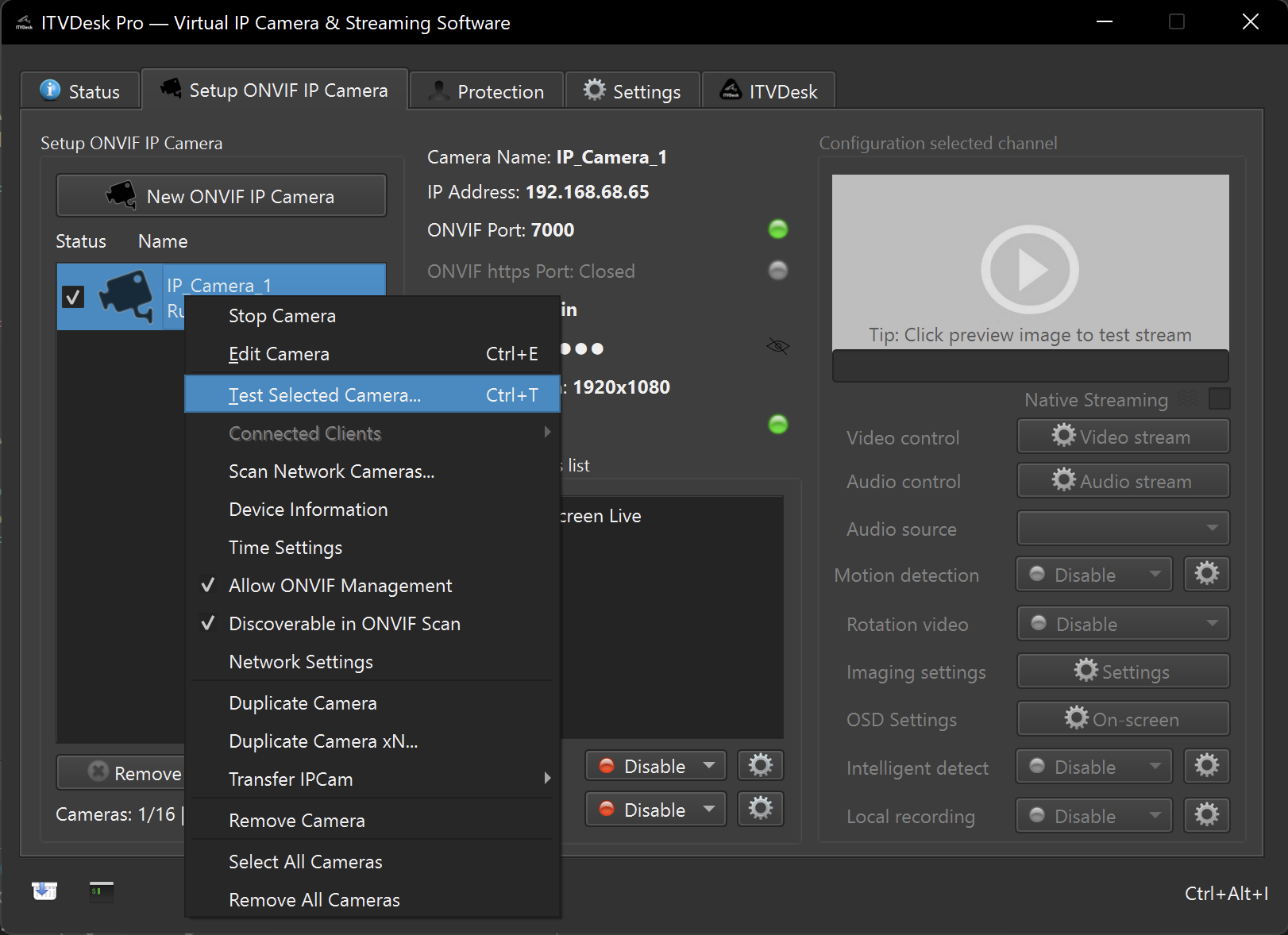
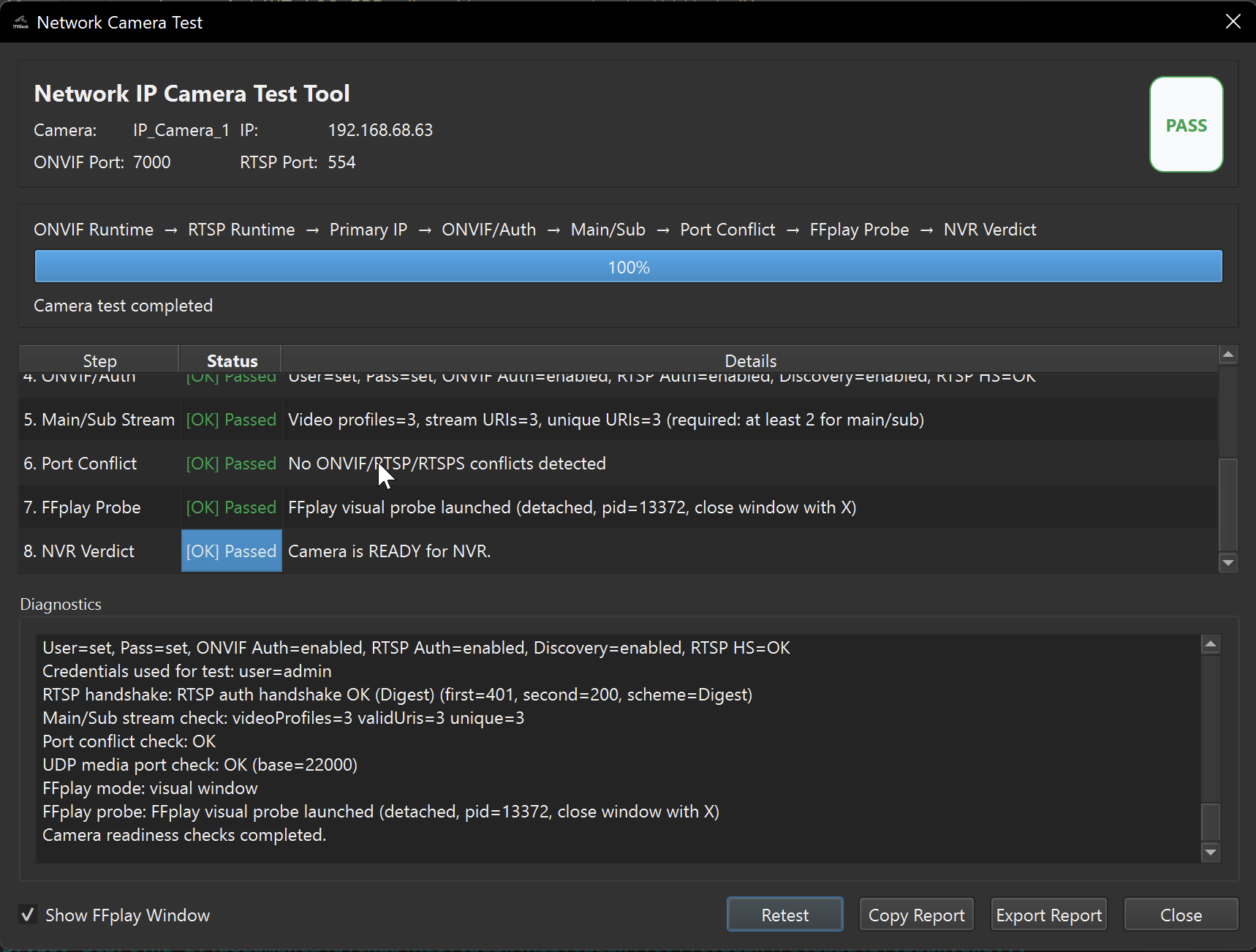
How to use direct URLs
- Open ITVDesk and select the required virtual camera/channel.
- Copy the RTSP, RTSPS or SRT URL shown by ITVDesk.
- Test the URL in VLC or the ITVDesk test tool.
- Use the same URL in the VMS/NVR manual stream configuration if required.
Security guidance
- Use authentication for direct stream URLs in production.
- Use RTSPS, SRT, SRTP or protected network transport when required.
- Avoid sharing stream URLs outside trusted administrator workflows.
Troubleshooting
- If VLC works but the recorder does not, check codec, profile and authentication settings.
- If neither works, check firewall, bind IP and service port settings.
Related documentation: