Frequently Asked Question
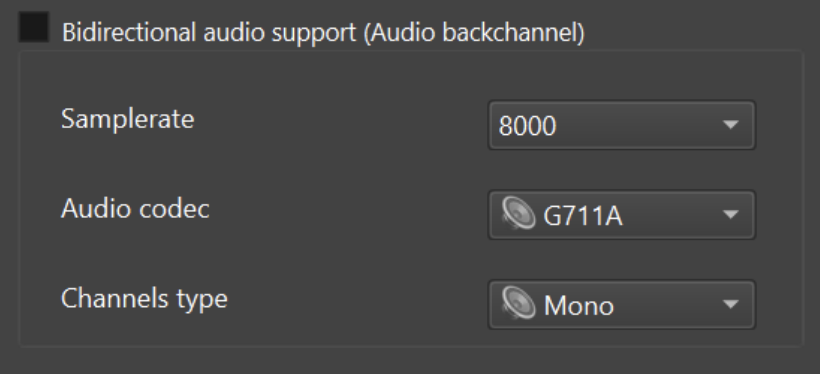
Enable two-way audio / ONVIF audio backchannel
Last Updated 3 months ago
Two-way audio allows a compatible VMS/NVR or ONVIF client to send audio back to the ITVDesk computer. This is useful for operator communication, announcements and controlled talk-back workflows.
Requirements
- A VMS/NVR or ONVIF client with audio backchannel support.
- A working playback device on the ITVDesk computer.
- Correct operating system audio permissions and drivers.
- Compatible codec/profile settings on both sides.
Setup checklist
- Enable audio backchannel support in ITVDesk.
- Confirm the output device used for playback.
- Refresh or re-add ITVDesk in the VMS/NVR.
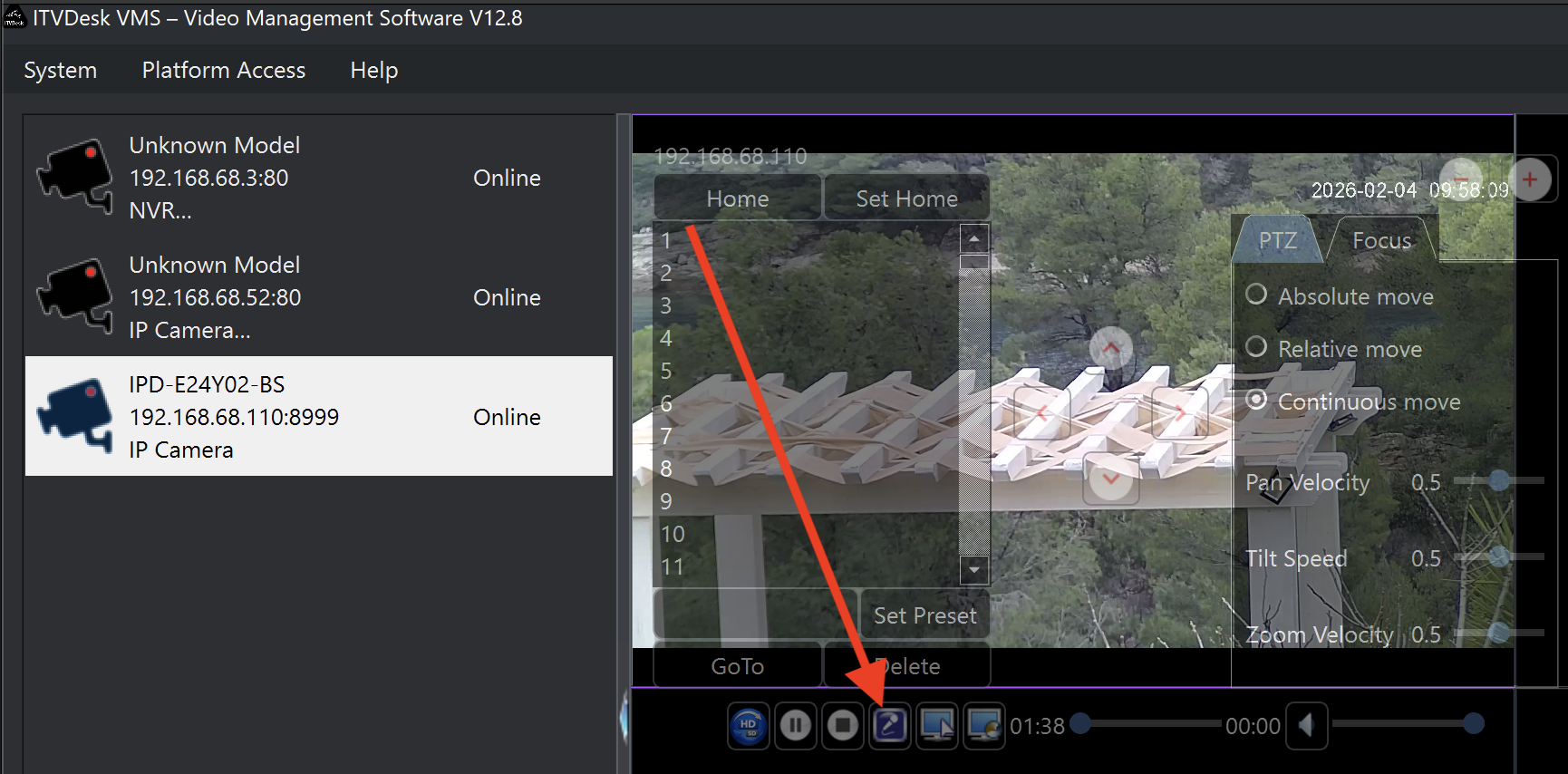
- Test talk-back audio from the VMS/NVR user interface.
Compatibility note
- Normal audio streaming and audio backchannel are separate features; a recorder may support one but not the other.
Related documentation: