Frequently Asked Question
Configure audio encoder settings
Last Updated 3 months ago
Audio encoder settings define how ITVDesk sends audio to the VMS/NVR. Correct codec, channel and bitrate settings are important for compatibility and recorded playback.
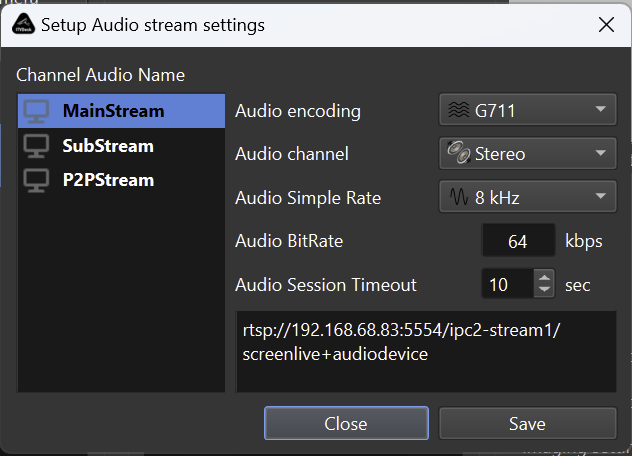
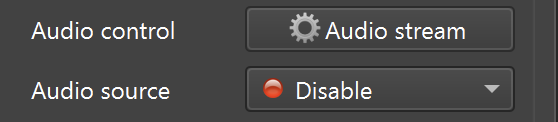
Recommended settings process
- Choose the audio input source first.
- Select a codec supported by the VMS/NVR.
- Start with conservative bitrate and channel settings.
- Verify both live audio and recording playback.
Compatibility checks
- Some recorders require audio to be enabled per camera/channel.
- Some clients support audio in live view but not in playback unless configured.
- If audio fails, test with a different codec or lower bitrate.
When to use audio-only
- Use an audio-only stream when no video source is required but the audio channel should still be monitored or recorded.
Related documentation: