Frequently Asked Question
VMS/NVR cannot detect ITVDesk or live video is not coming
Last Updated 3 months ago
If the VMS/NVR cannot detect ITVDesk or live video is not displayed, troubleshoot discovery and stream transport separately.
ONVIF discovery proves the recorder can find and manage the ITVDesk device. RTSP/RTSPS/SRT playback proves the video stream can actually reach the VMS/NVR.
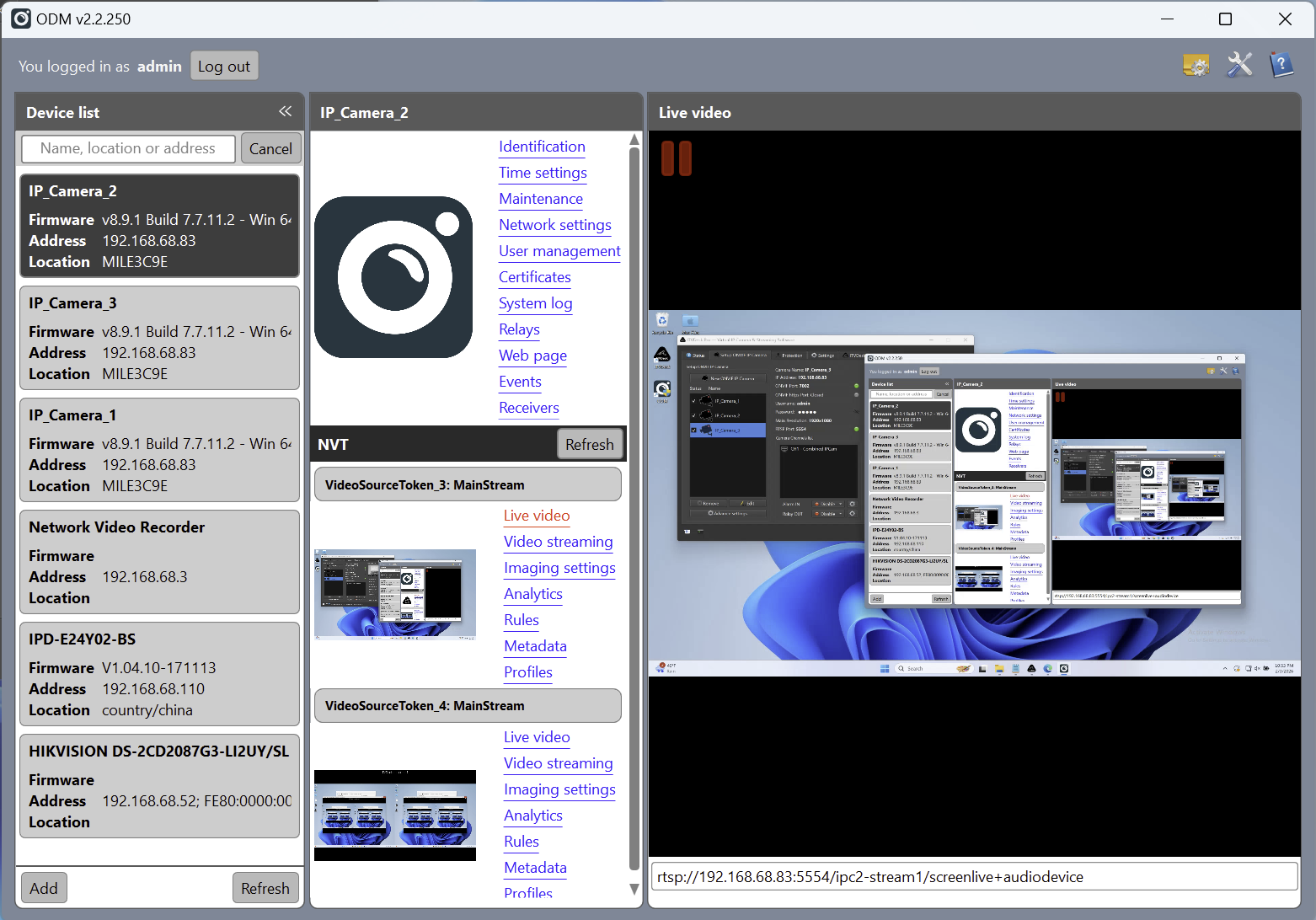
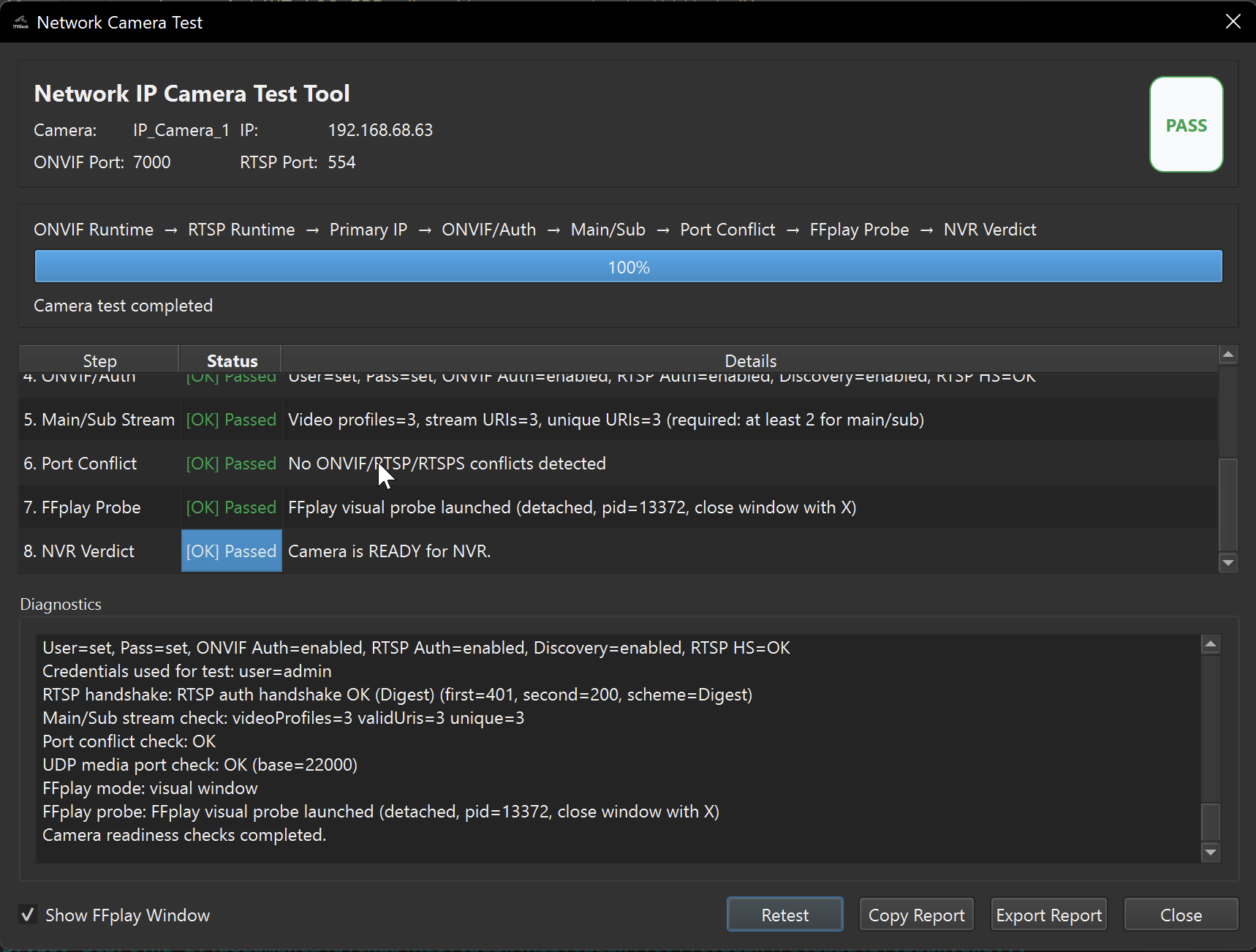
Step 1 - Confirm ITVDesk is running
- Open ITVDesk and confirm the selected virtual camera/source is active.
- Use the built-in test/preview function.
- Confirm service indicators show that ONVIF and streaming services are running.
Step 2 - Check network and firewall
- Confirm the VMS/NVR can reach the ITVDesk computer IP address.
- Allow ITVDesk ONVIF and RTSP/RTSPS ports in Windows/Linux/macOS firewall.
- Temporarily test with security filtering disabled only in a controlled environment.
- If discovery is blocked by network segmentation, use manual add by IP address and ONVIF port.
Step 3 - Check authentication and stream profile
- Verify ONVIF username/password if authentication is enabled.
- Try a basic H.264 profile first.
- If ONVIF works but video does not, copy the direct RTSP/RTSPS/SRT URL and test it in the VMS/NVR or VLC.
- Restart ITVDesk service after port or authentication changes.
Related documentation: Preview & Test | Network Camera Test | Enable Authentication | ONVIF over HTTPS