Frequently Asked Question
How to find the ITVDesk ONVIF protocol port
Last Updated 3 months ago
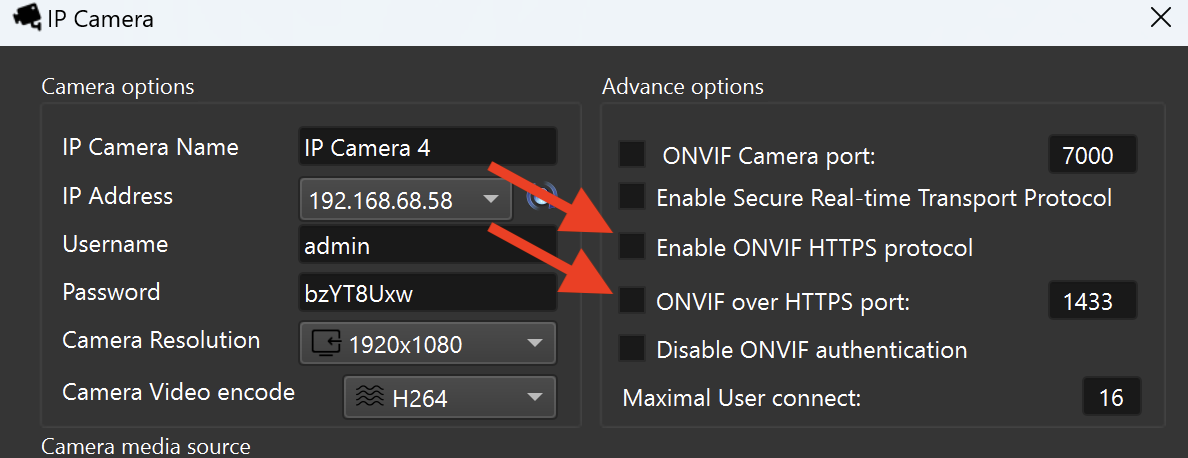
The ONVIF port is the management/service port used by a VMS or NVR to discover ITVDesk and read camera profiles, stream URLs and device information.
In many recorder interfaces this field can be called ONVIF port, management port, service port or device port.
Where to check it
- Open ITVDesk settings and check the ONVIF service port.
- If ONVIF over HTTPS is enabled, also check the HTTPS/secure ONVIF configuration.
- Use the same port when manually adding ITVDesk to the VMS/NVR.
- If automatic discovery works, still verify the port before saving the recorder configuration.
Default and custom ports
- Older or default configurations often use TCP 7000 for ONVIF management.
- Your installation may use a custom value if ports were changed.
- The correct value is always the one shown in your ITVDesk settings.
Verification
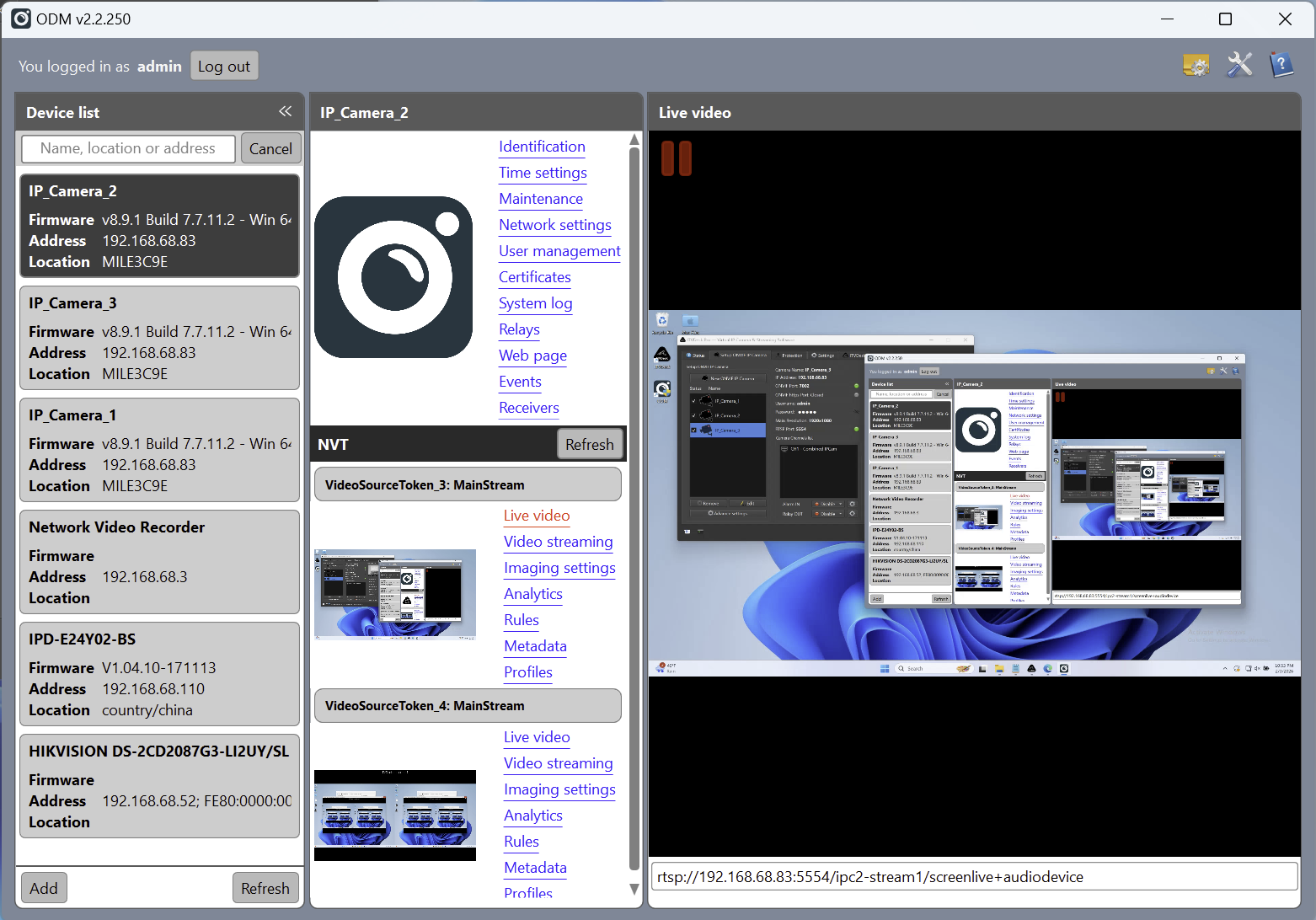
- Use ONVIF Device Manager or the ITVDesk test tools before adding the camera to production VMS/NVR.
- If the camera is not discovered, test manual add with IP address and ONVIF port.
Related documentation: Network Camera Test | ONVIF over HTTPS | Advanced Settings