Frequently Asked Question
Windows: Bind UDP socket fail / WSAE-10013
Last Updated 3 months ago
WSAE-10013 usually means Windows denied access to a UDP socket or another process/security policy is blocking the port.
For ONVIF discovery this often involves UDP discovery traffic, firewall rules, administrator permissions or another ONVIF/RTSP tool already running.
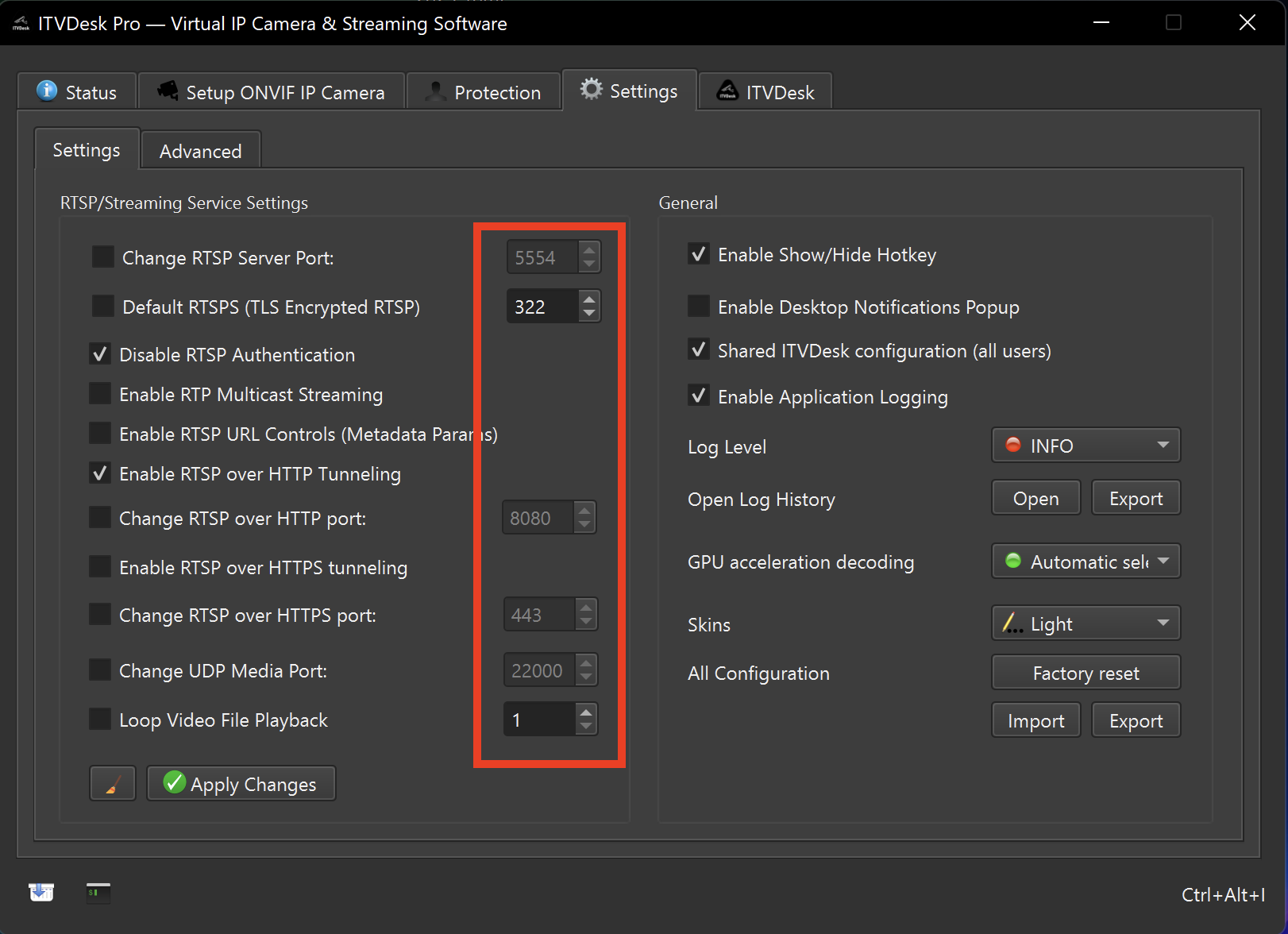
How to fix
- Run ITVDesk as administrator for the test.
- Allow ITVDesk through Windows Defender Firewall and any third-party security product.
- Close other ONVIF tools, camera utilities or test servers using the same discovery/streaming ports.
- Check whether UDP discovery traffic is blocked by local policy.
- Restart ITVDesk after changing firewall or port settings.
Windows diagnostics
- Use netstat or Resource Monitor to identify conflicting processes.
- Check Event Viewer and ITVDesk logs if the error repeats.
- If the machine is domain-managed, confirm security policy with the administrator.
netstat -abno -p UDPRelated documentation: Advanced Settings | Troubleshooting